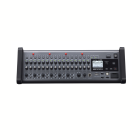
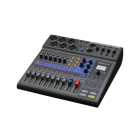
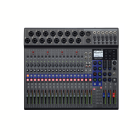
Operation Panel
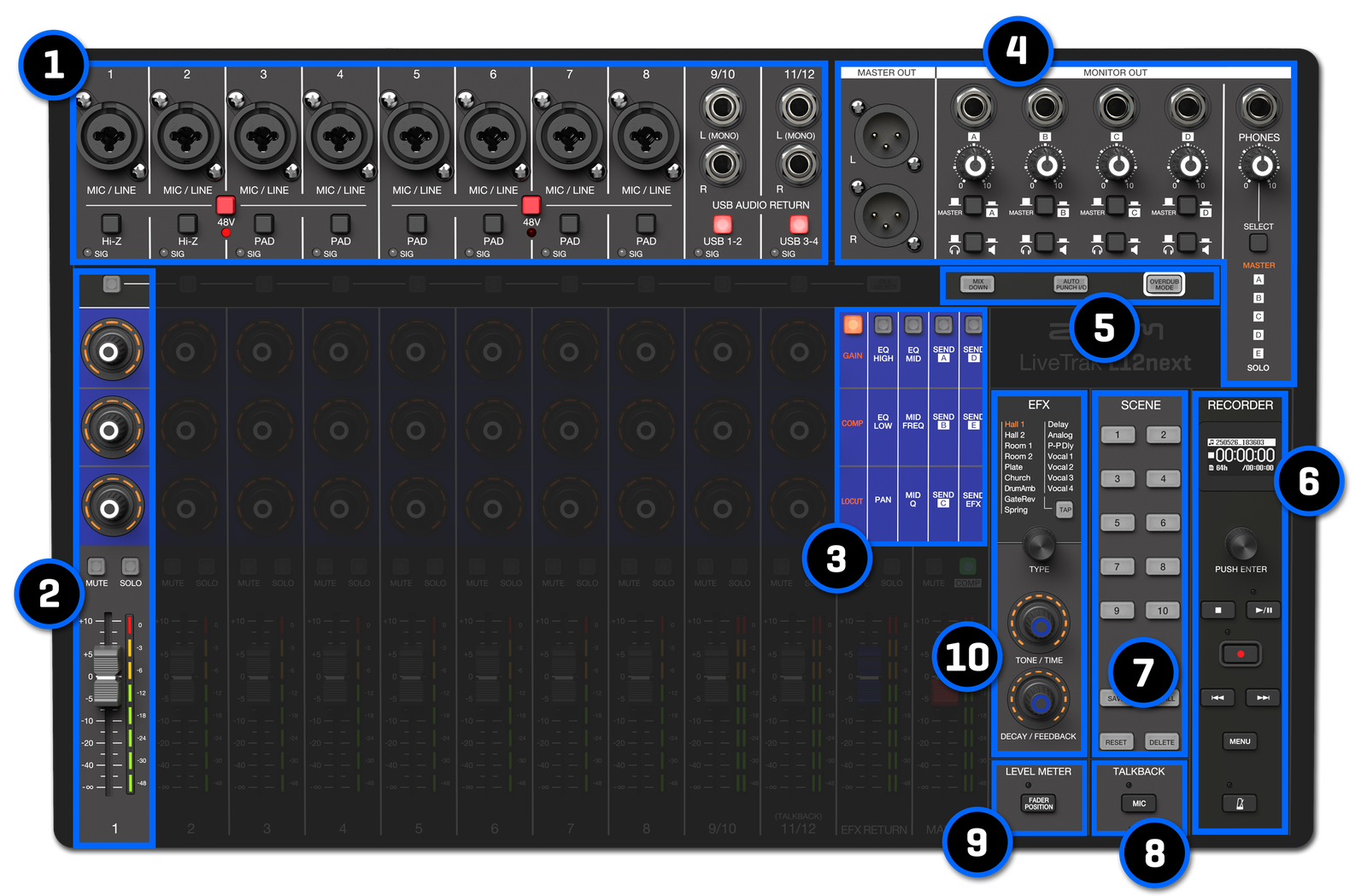
1. Inputs
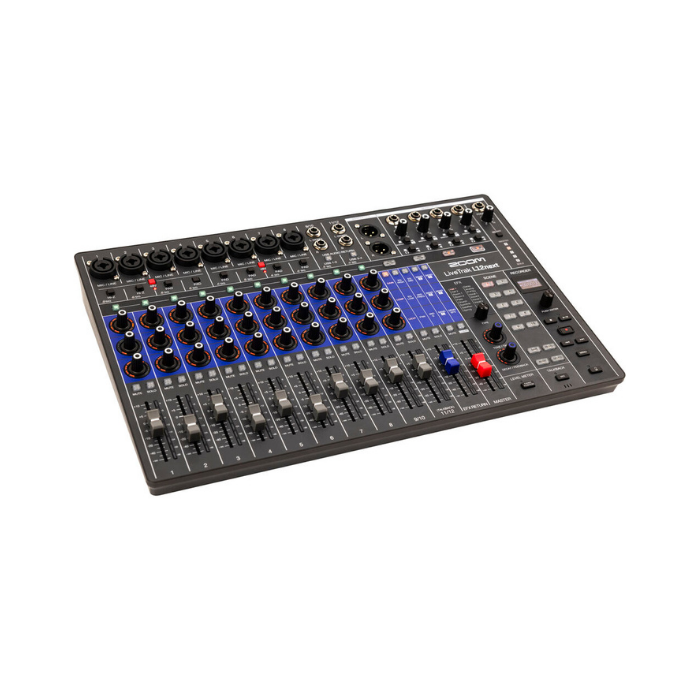
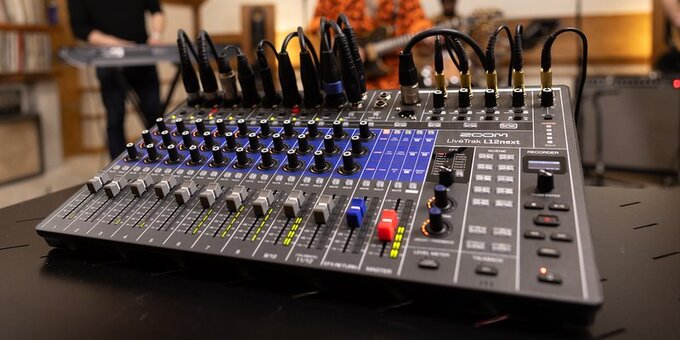
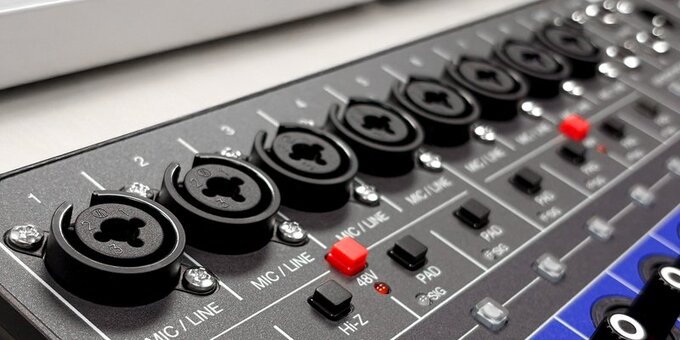
Combo inputs support XLR or 1/4-inch connections. Channels 1 and 2 offer Hi-Z inputs for connecting an electric guitar or bass. Channels 9/10 and 11/12 have TS line connectivity for keyboards and other audio devices.
2. Channel Strip
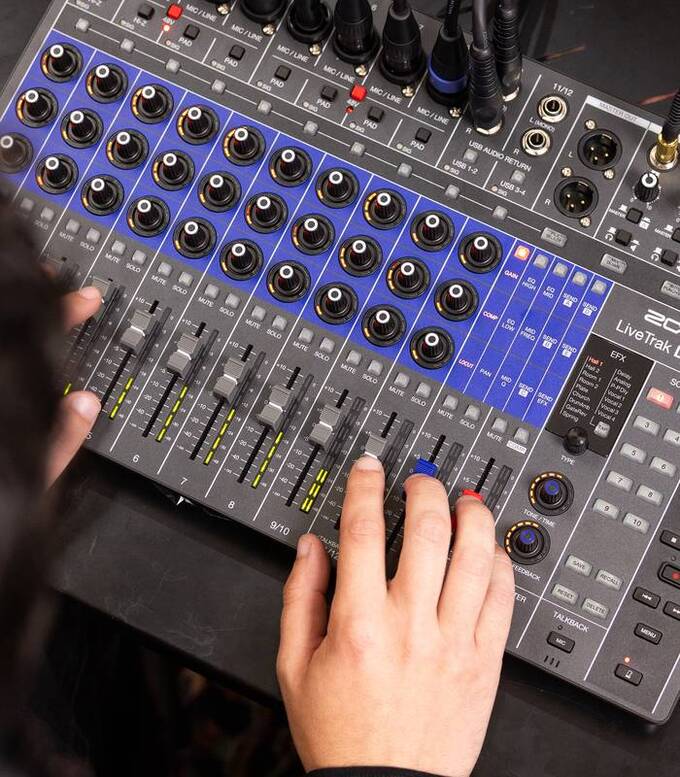
In addition to 60mm faders, each channel has three multi-function encoder knobs, giving you analog style control of gain, EQ, compression, panning, and sends.
3. Function Selector
Choose which controls are accessible on the multi-function encoder knobs ie: EQ, Gain, Sends
4. Custom Mixes
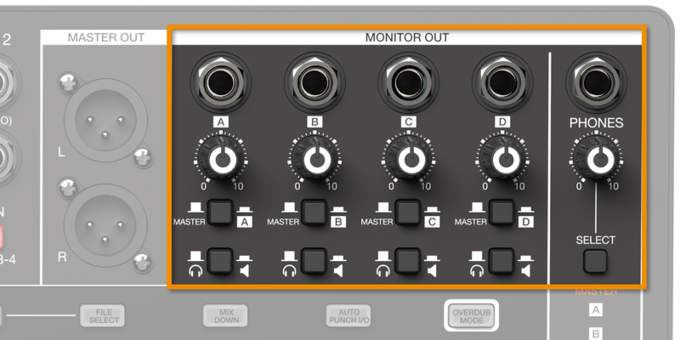
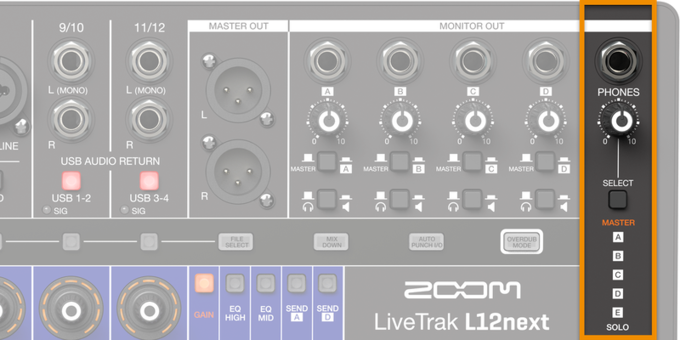
Five powered headphone outputs can send individual monitor sub mixes to headphones, in-ear monitors, or powered monitor speakers. The main outputs feature XLR connectors to easily connect to your PA.
5. Recording Features
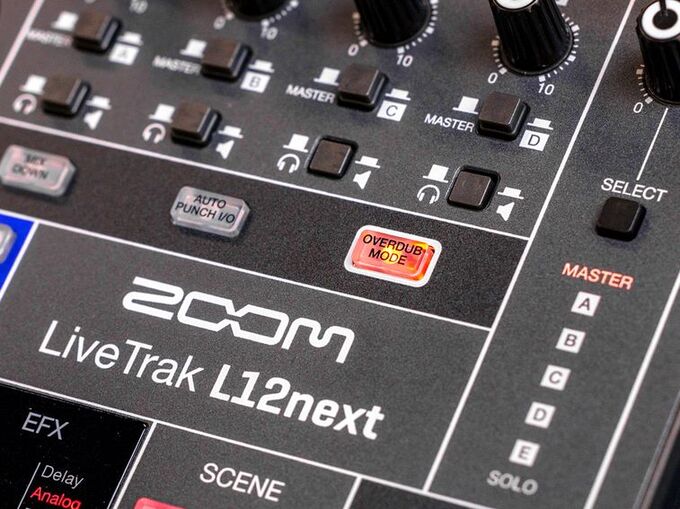
Quick access to advanced recording capabilities such as mixdown, overdub and autopunch.
6. Main Controls
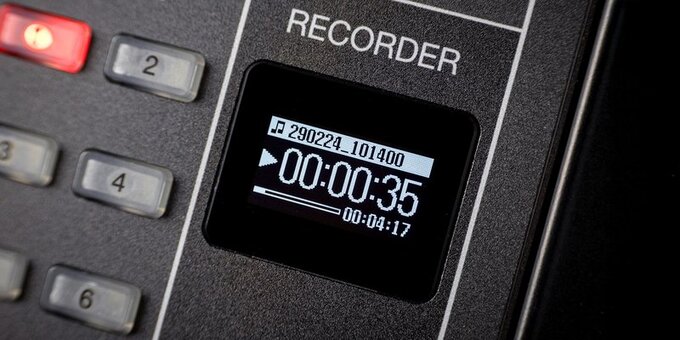
LED screen and encoder knob let you access the menu system to create new projects, recall previous projects, and customize your recorder settings.
7. Scene Control
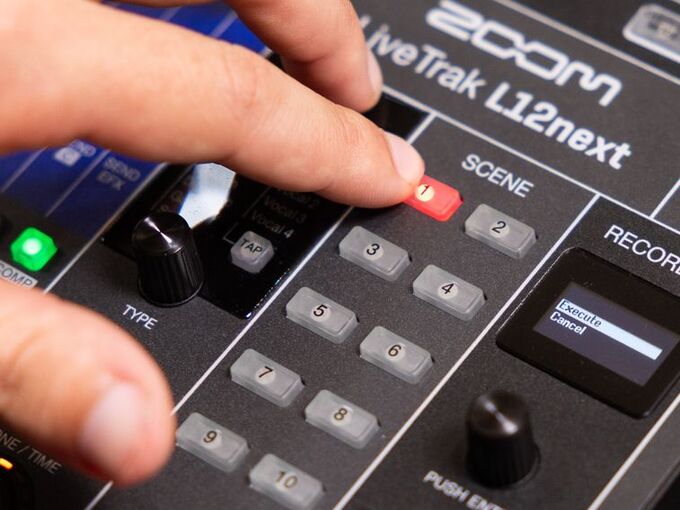
Save up to ten different scenes and recall your custom settings automatically. Each scene saves fader position, EQ settings, pan, mute, and more.
8. Talkback Mic
The engineer can use the talkback mic to talk to the artists right from the board.
9. Fader Position
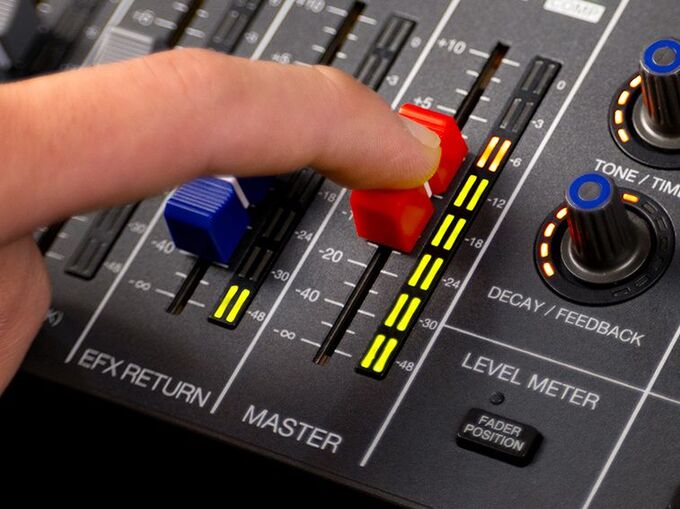
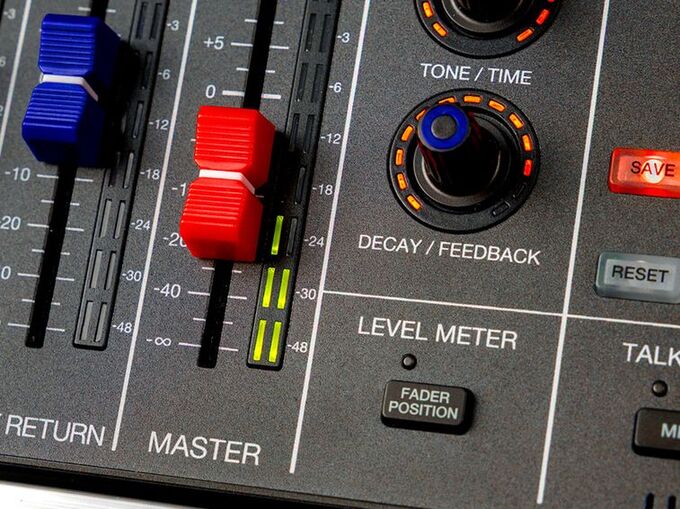
Fader Position button lets you quickly view saved fader positions when recalling scenes.
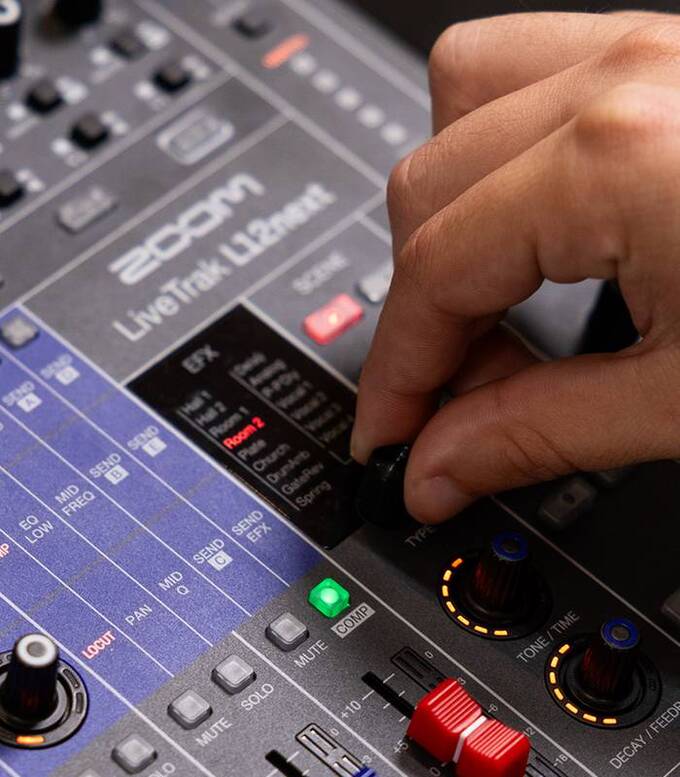
10. EFX
16 built-in effects with fully adjustable parameters. Choose from delay and reverb effects, then apply them to any channel.